
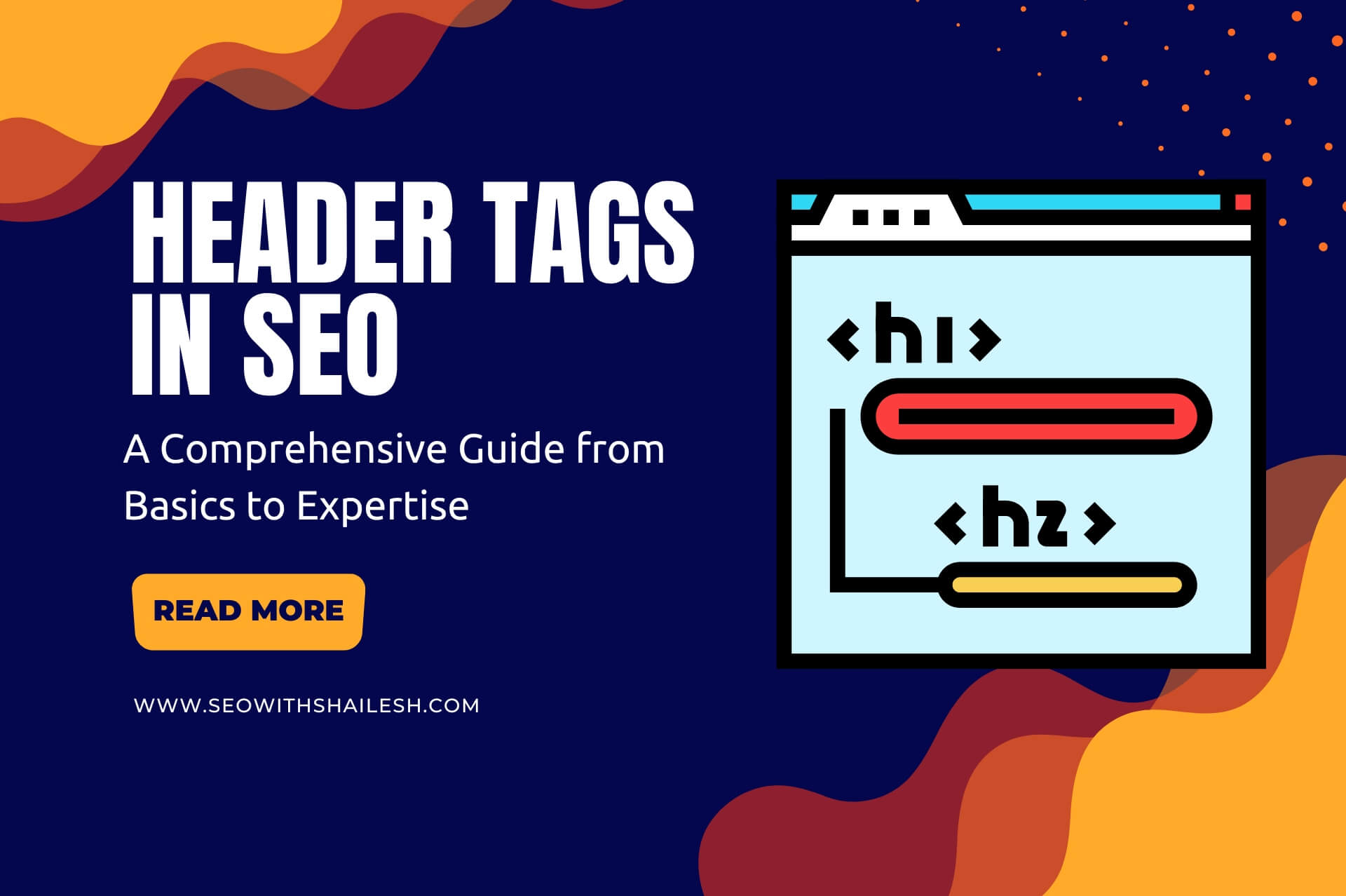

Header tags, or HTML heading elements, play an important role in structuring content for users and signaling content’s importance to search engines. Whether you’re new to the SEO world or an expert refining strategies, understanding header tags is important.
Table of Contents
What Are Header Tags?
Header tags are HTML elements (H1, H2 to H6) that are used to define headings and subheadings of the content on a web page. Search engines analyze keywords within heading tags and the main body of content to understand the topic of a web page and determine if the content of the web page is relevant to the user’s search term.
Header tags create a hierarchy for content, making it easier for users and search engines to understand the structure and context of your page.
Example of Header Tags in HTML:
<h1>Header 1: Page Title</h1>
<h2>Header 2: Main Section</h2>
<h3>Header 3: Subsection</h3>
Why Are Header Tags Important in SEO?
Each heading tag serves a specific purpose in SEO. The H1 tag represents the main title or main heading of a page and is the most important heading tag for SEO. On the other hand, the H2 tag is used as a subheading to divide content into smaller, organized sections.
Using H2, H3, and other heading tags to break content into smaller sections and subsections improves readability and user experience by making content more accessible. These heading tags (H1, H2 to H6) also help search engines in understanding the structure and topic of the page more effectively.
Additionally, heading tags play an important role in improving keyword rankings. Using your target keywords in the heading tags of your content helps search engines to establish the relevance of your content to specific queries.
In short, heading tags help content structuring, make it easier to read for your audience and search engines, and improve keyword optimization for better rankings.
Best Practices for Using Header Tags
1. Use a Single H1 Per Page:
The H1 tag should clearly summarize the main topic of your page. Avoid using multiple H1 tags, as this can confuse search engines. If your page has more than one H1 tag, search engines may have trouble identifying your main content or page.
2. Follow a Logical Hierarchy:
When using heading tags such as H1, H2, H3, H4, H5, H6, always maintain a correct hierarchy. Avoid skipping levels—don’t jump from H1 to H3 or from H3 to H5 without following the correct order. This helps you organize your content and make it easier for search engines to understand.
3. Incorporate Keywords Naturally:
You should add your target keywords into header tags, but in a way that feels natural and relevant to the content below them. Avoid overloading header tags with keywords, as keyword stuffing can harm readability, user experience, and rankings.
4. Optimize for Featured Snippets:
To enhance your chances of appearing in featured snippets, focus on creating concise and informative H2 and H3 tags that directly answer common questions or provide clear answers.
5. Ensure Consistency Across Devices:
Check how header tags appear on desktop and mobile views to ensure consistency in structure and usability. Mobile view is critical these days, so formatting header tags for mobile devices enhances user experience and supports the visual hierarchy of your content, increasing engagement.
Common Mistakes to Avoid
1. Overloading with Keywords:
Avoid keyword stuffing into header tags, as it harms readability and content quality, which search engines don’t like. Instead, add keywords naturally and only where they make sense.
2. Using Header Tags for Styling:
Heading tags should not be used only for styling text to make it bigger or bolder. The primary purpose of heading tags is to structure your content to improve readability for both users and search engines.
3. Skipping Levels:
Avoid jumping over header levels, for example, using H3 directly after an H1 without using an H2 in between. Always maintain a logical sequence to ensure clarity for users and search engines, as this helps search engines understand the structure of your page and improves SEO performance.
Advanced Tips for Experts
1. Semantic SEO with Header Tags:
Structure your headers around topic clusters. This helps improve your content’s SEO and relevance. For example, if you’re writing about “Digital Marketing,” create subheadings like “SEO Strategies,” “Content Marketing,” and “Social Media Advertising,” all under your main heading “Digital Marketing Guide.”
2. Dynamic Header Tags for Large Websites:
Use dynamic header generation for e-commerce or large-scale websites to optimize for long-tail keywords.
3. Analyze Competitors:
Review how competitors use header tags on their most successful or popular pages. By understanding their strategy, you can figure out what works and use it to enhance your own content.
4. A/B Testing for Header Tags:
A/B testing involves trying different versions of your header tags to see which one works best for your audience. Experiment with wording, order, or style, and measure the results. This will help you identify what grabs attention and improves user engagement and SEO.
Tools to Optimize Header Tags
1. Google Search Console:
Use Google Search Console to identify pages with low click-through rates (CTR) and make adjustments to your header tags to improve their performance.
2. Screaming Frog:
This tool helps audit your header tags across your website, identifying issues like missing or duplicated headers, ensuring proper content structure for SEO.
3. Surfer SEO:
Surfer SEO helps optimize header tags based on content guidelines, ensuring that they align with best SEO practices.
4. SEMRush:
SEMRush allows you to analyze competitors’ header tag strategies and uncover insights to enhance your header tags.
5. Ahrefs:
Ahrefs audits the structure of your header tags and monitors their performance, offering suggestions to improve ranking factors.
6. Moz Pro:
Moz Pro’s on-page optimization tools help refine header tags by offering actionable insights on keyword optimization and structure alignment with SEO goals.
Conclusion
Header tags are more than just HTML elements; they’re fundamental to creating an engaging and optimized user experience. Mastering header tags can significantly impact your SEO success. Whether you’re a beginner or an expert, using header tags effectively is an essential part of your SEO strategy. Start optimizing today!